

Clock in wherever you work
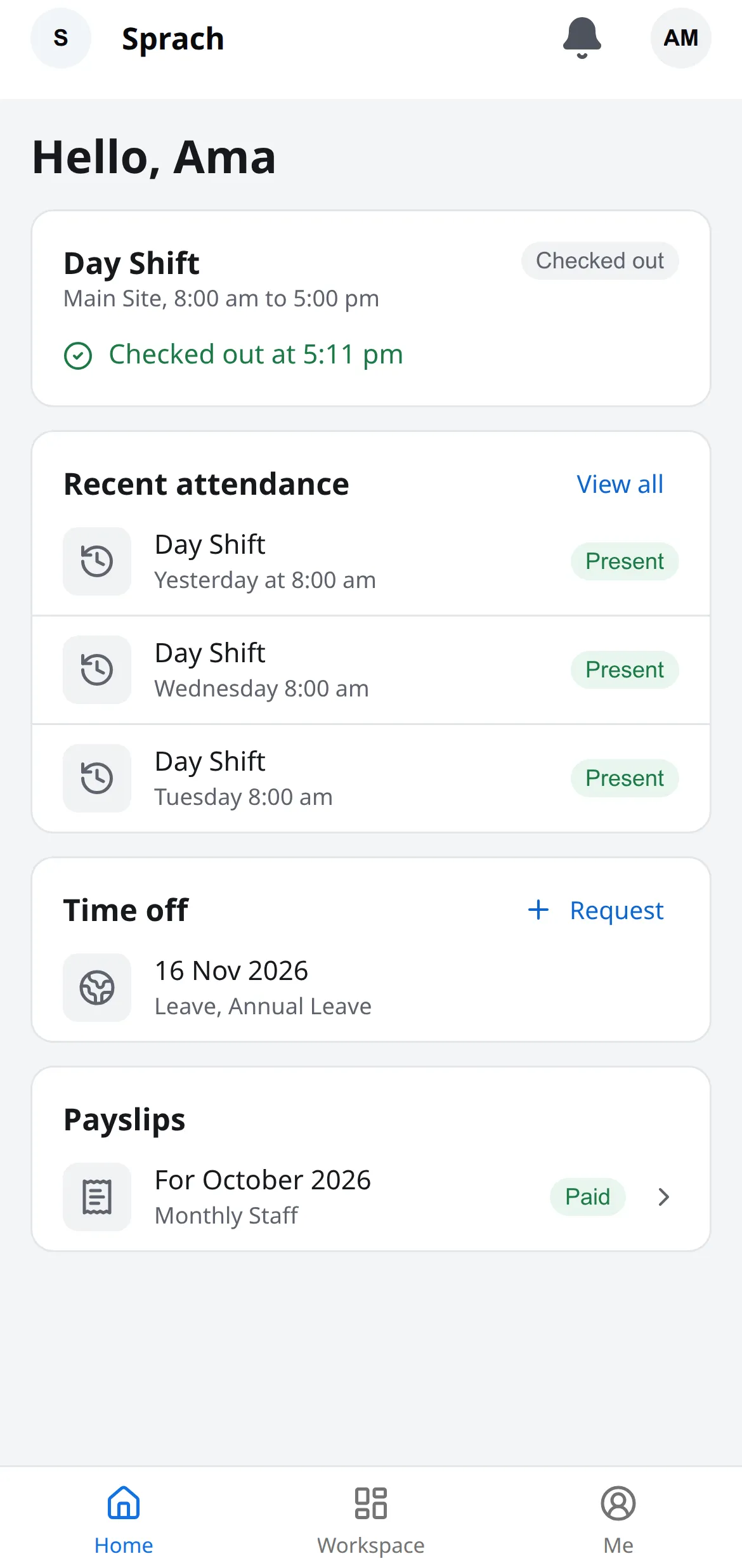
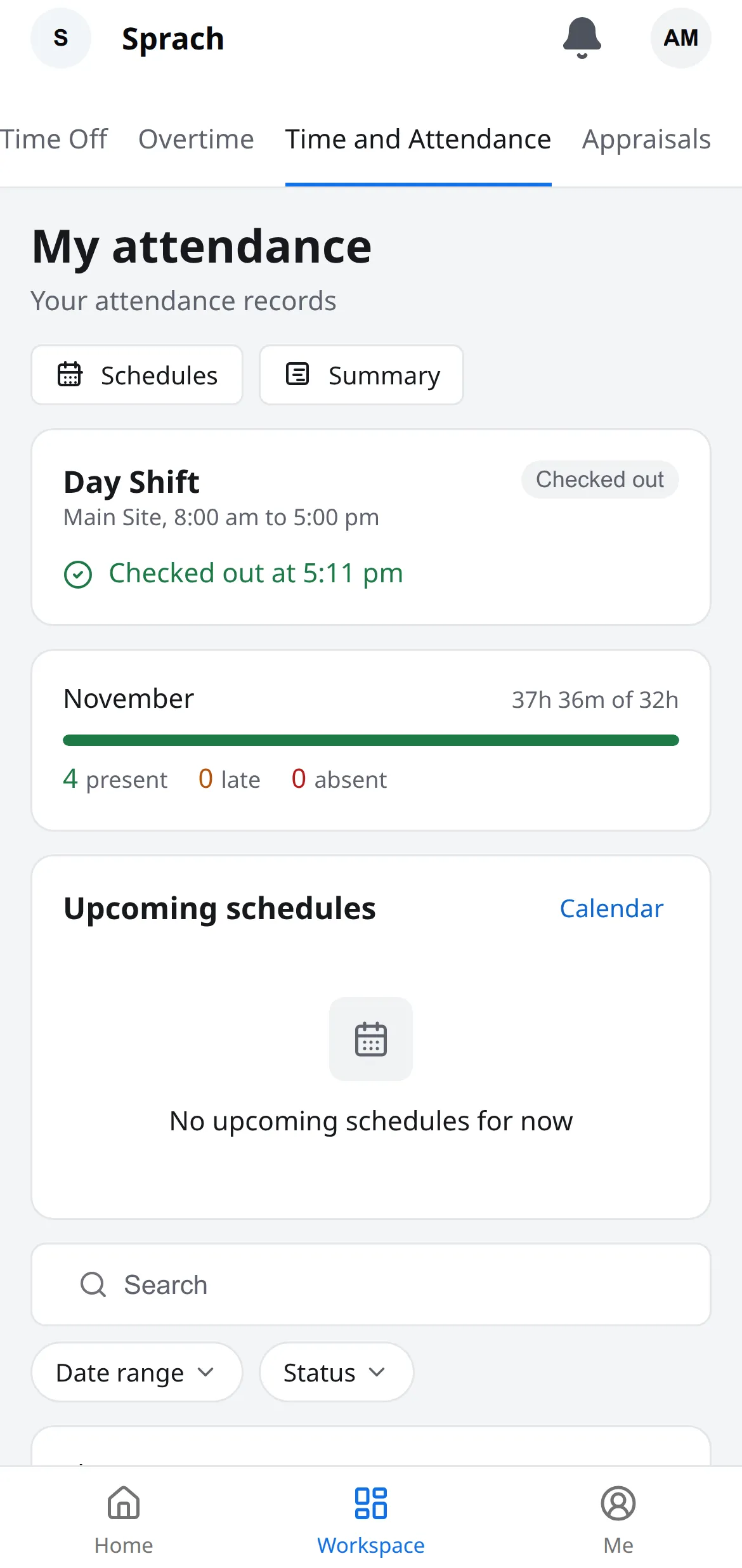
Log your attendance on-site, from home or at a client’s office, if your employer allows it.
If your employer uses Eban Register, this is the app you use for work. Install it, then sign in with your work email or phone number.
Open on the webYou can also use the web version in your phone or laptop browser, but clocking in needs the iOS or Android app.
Scan to open on your phone
Log your attendance on-site, from home or at a client’s office, if your employer allows it.
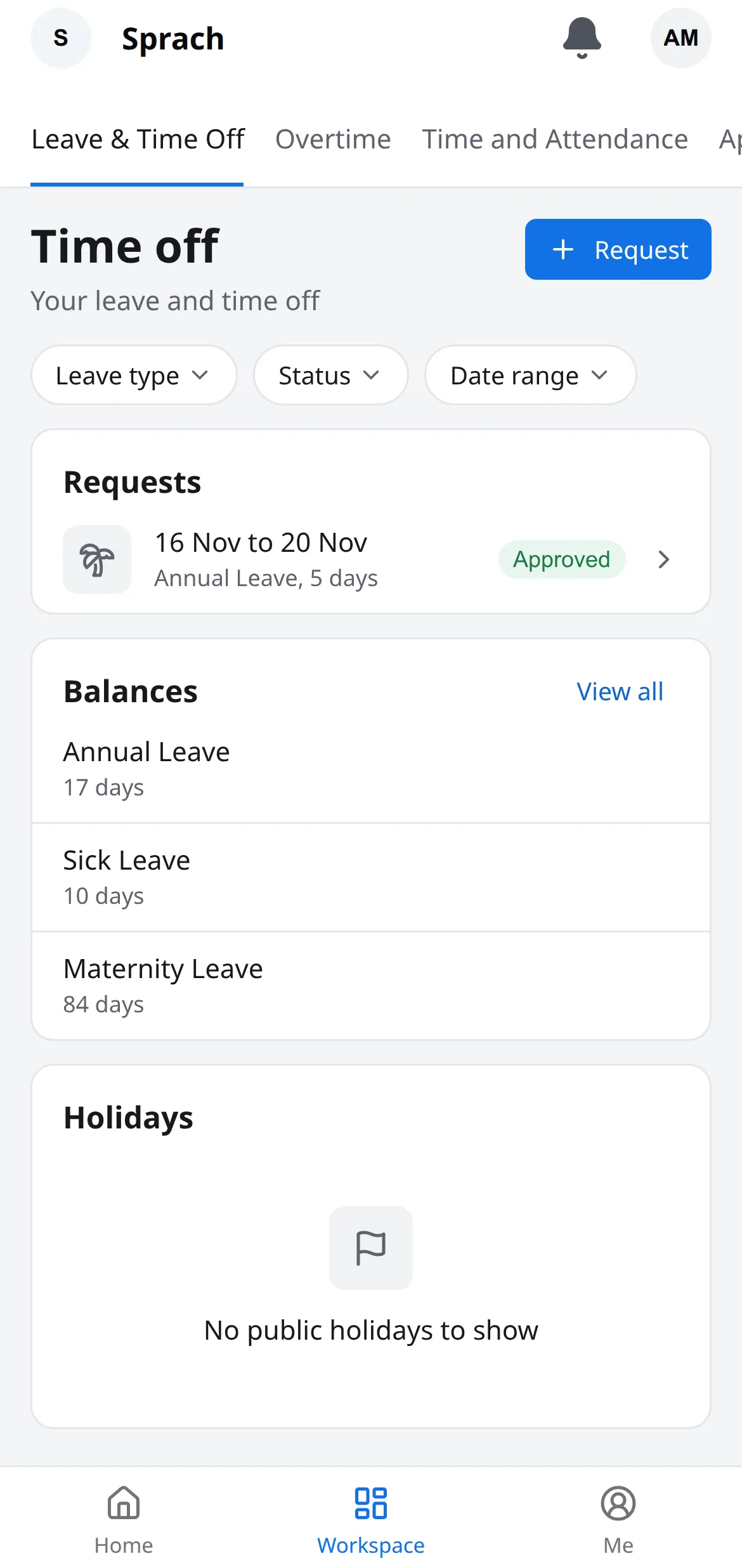
Check your remaining leave balances before you apply and get instant approval notifications in the app. No HR visits or WhatsApp follow-ups needed.
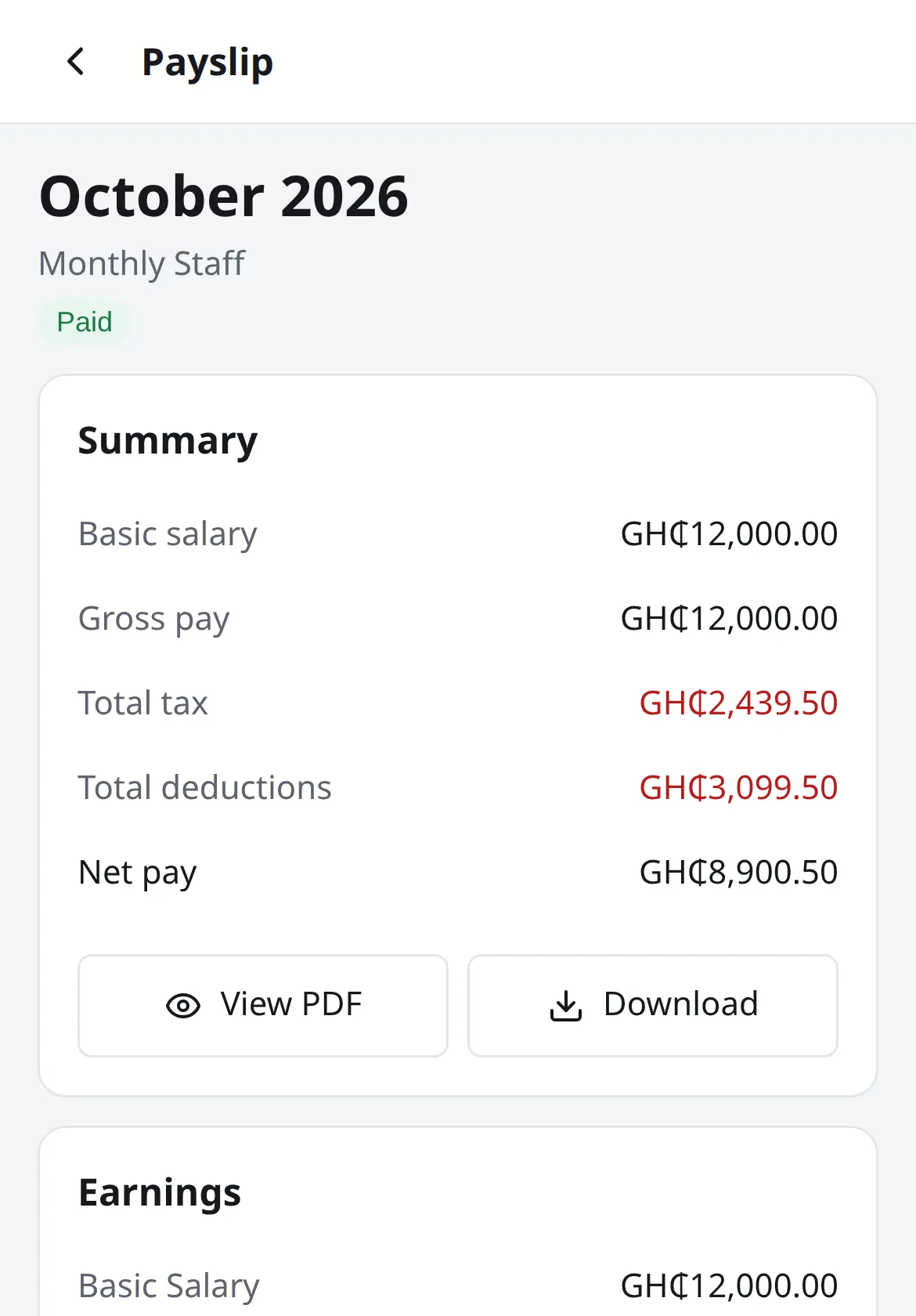
See your exact salary, tax, and deductions each month, or save a PDF whenever a bank, landlord, or visa office needs proof of income.
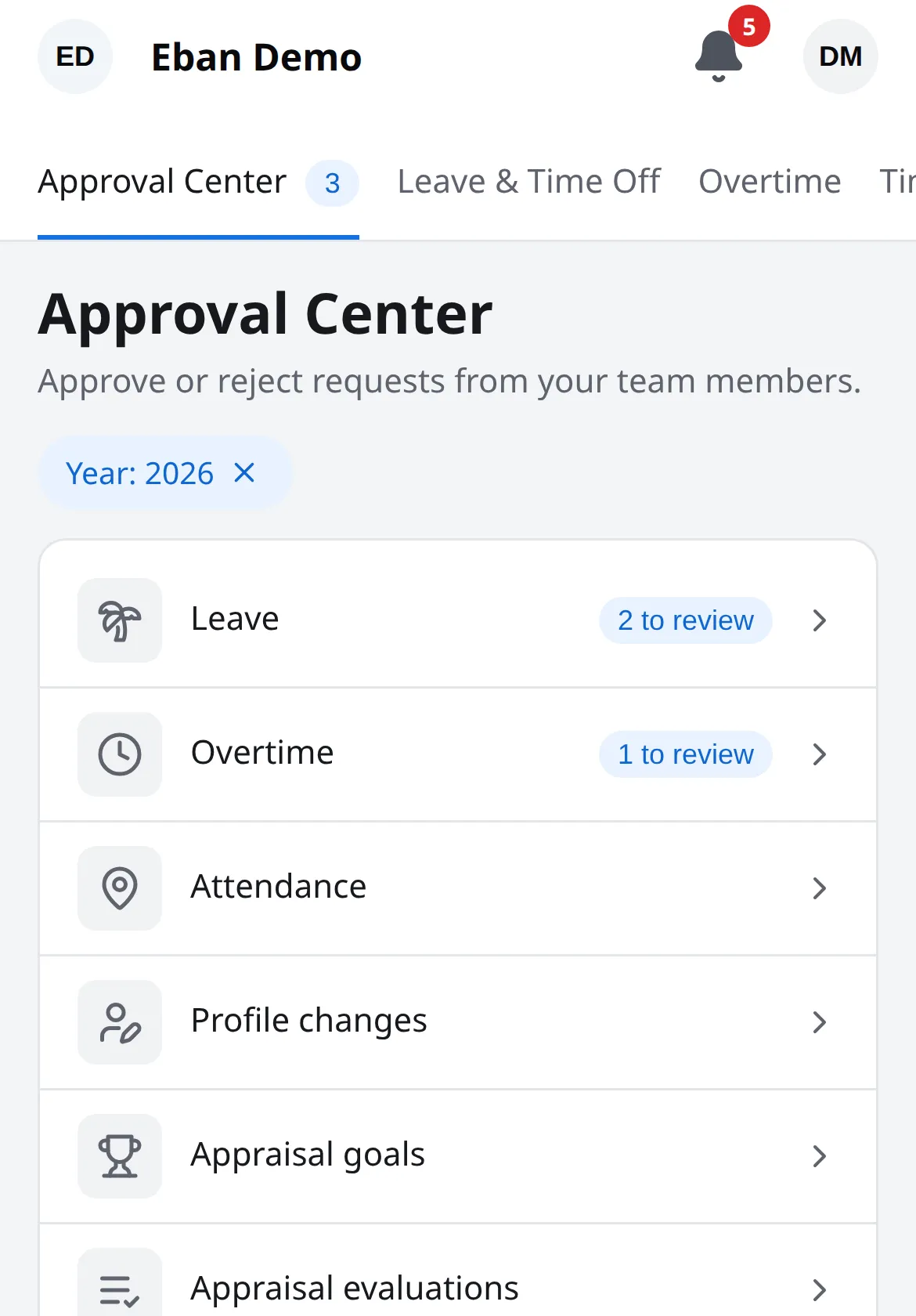
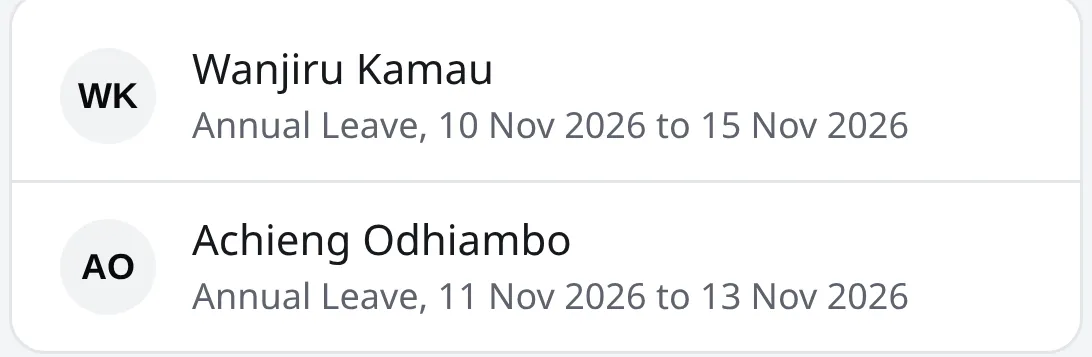
Leave, overtime and remote clock-ins reach you as they are made. Approve or decline each one on the spot.
See who is on leave and when they are back before you assign the day’s work.
Your upcoming shifts, with start times and location.
Record extra hours and send them for approval.
Your goals and past evaluations.
Letters and contracts HR has shared with you.
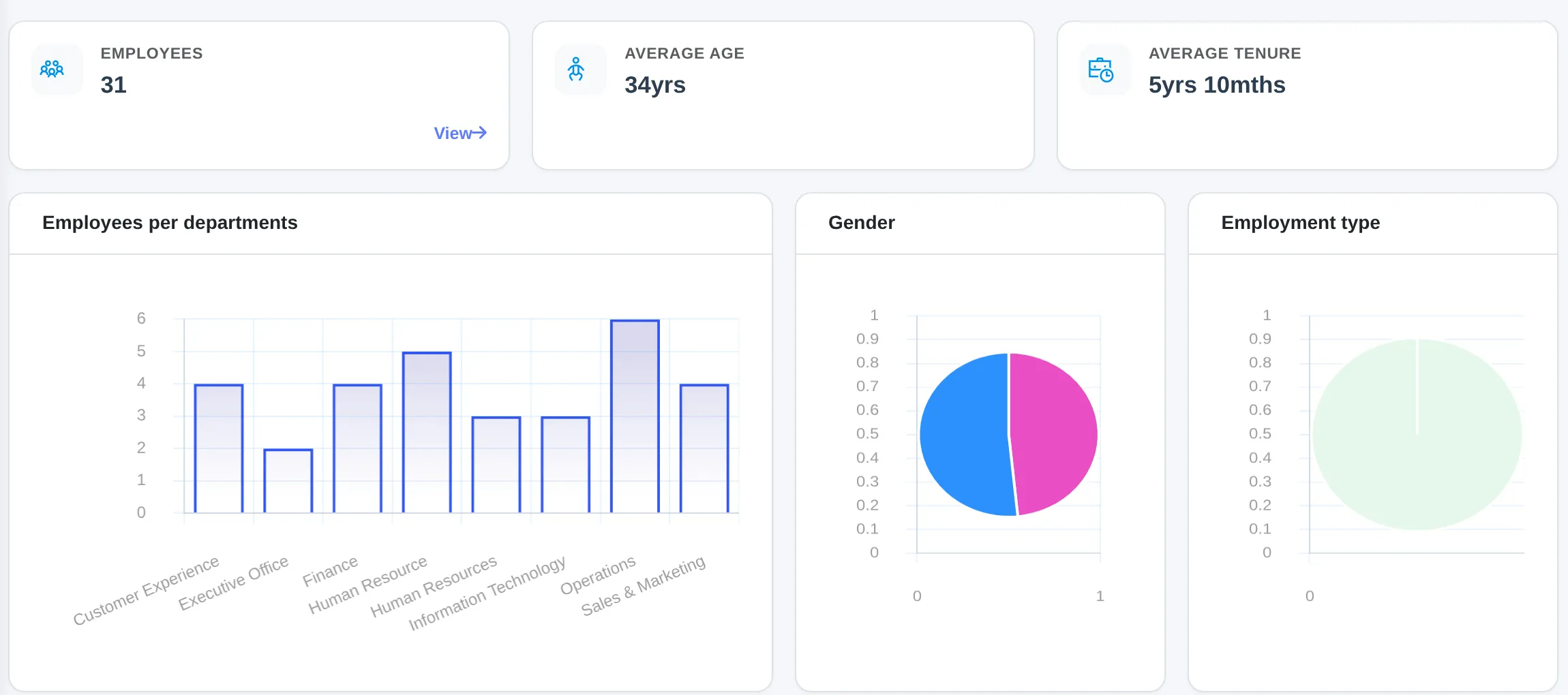
Configure your organization, manage your staff, connect attendance devices, approve leave, then run payroll.
See what the Admin Console does